You need a valid UEBA license to use LogPoint UEBA. The license contains details of the UEBA service, its validity period, the number of entities you can monitor, and the Client Configuration file necessary for UEBA configuration. Contact the vendor for more details on the configuration file.

Licensing Page
Before adding a license, contact the vendor and provide your Hardware Key. The vendor then sends you the license file based on the number of entities you want to monitor using UEBA. Once received, follow the steps below to add the license.
Download the license key file provided by the vendor.
Go to Settings >> Configuration >> UEBA Board.
Select the Licensing tab.

Uploading the UEBA License
Click Upload License to open the LogPoint UEBA License panel.
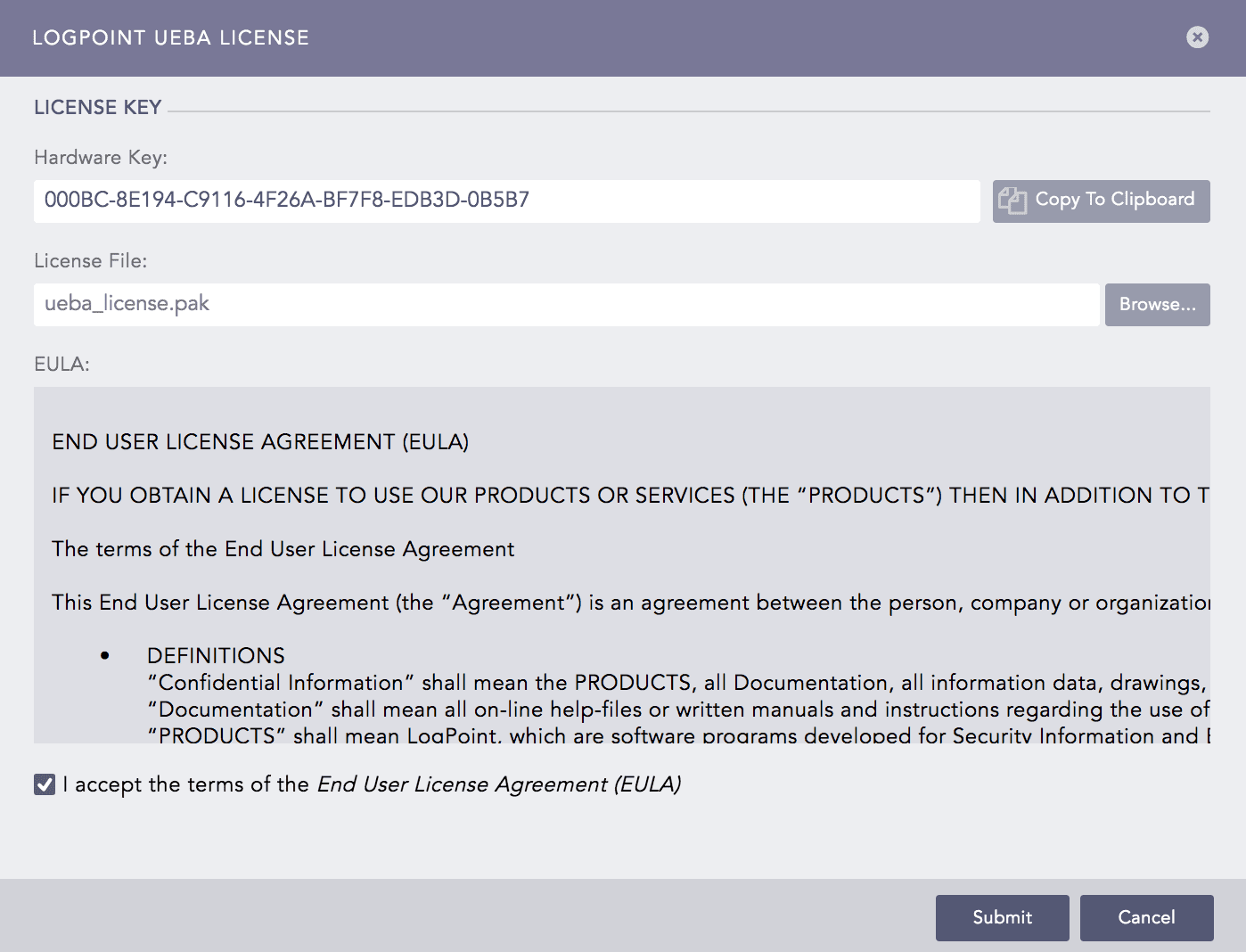
LogPoint UEBA License Panel
Browse the file containing the license key.
Read the END USER LICENSE AGREEMENT (EULA). Click the checkbox if you agree with the terms and conditions of the EULA.
Click Submit.
Note
Adding a new license over an existing one replaces the old license.
If a license expires, the Entity Selection and Settings tabs are disabled.
Adding the UEBA license creates the following entities in UEBA:
S.N. |
Type |
Name |
Description |
|---|---|---|---|
1 |
Repo |
uebaoutput |
It has a default retention period of 365 days. LogPoint stores all the output of UEBA in this repo. |
2 |
Routing Policy |
uebaoutput |
It forwards all the incoming logs to the uebaoutput repo. |
3 |
Normalization Policy |
uebaoutput |
It contains no normalization package by default. However, you can add your own package to customize the policy as per your need. |
4 |
Enrichment Source |
UEBA_Entity_Risk |
It stores the risk score, type, and the name of the analyzed entities. |
You can use the repo , the routing policy , the normalization policy , and the enrichment source to create a new processing policy and apply it to enrich the log events with the output of UEBA.
Attention
You must upload a new UEBA license after upgrading to LogPoint v6.6.0 only if the Client Configuration file was not uploaded before the upgrade.
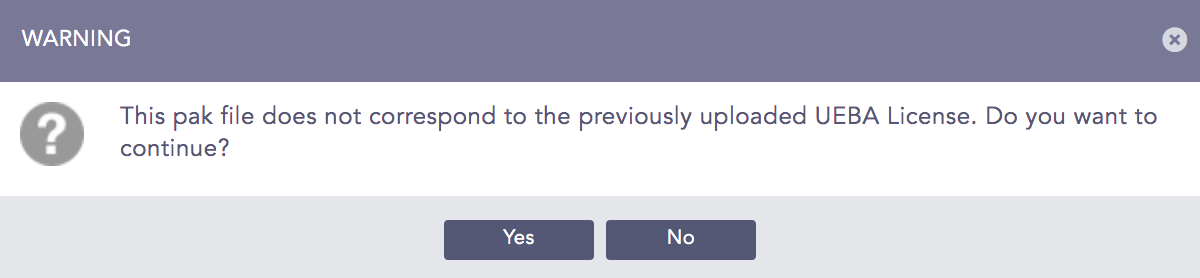
If the following warning appears while upgrading the UEBA license, contact the vendor.